


Seedance 2.0
Cinematic realism
Reference-to-video
15s
$5.60
Compare Seedance, Kling, Veo, LTX and more, preview real outputs, see the cost before you generate, and choose the right AI video engine for every shot.

Seedance 2.0
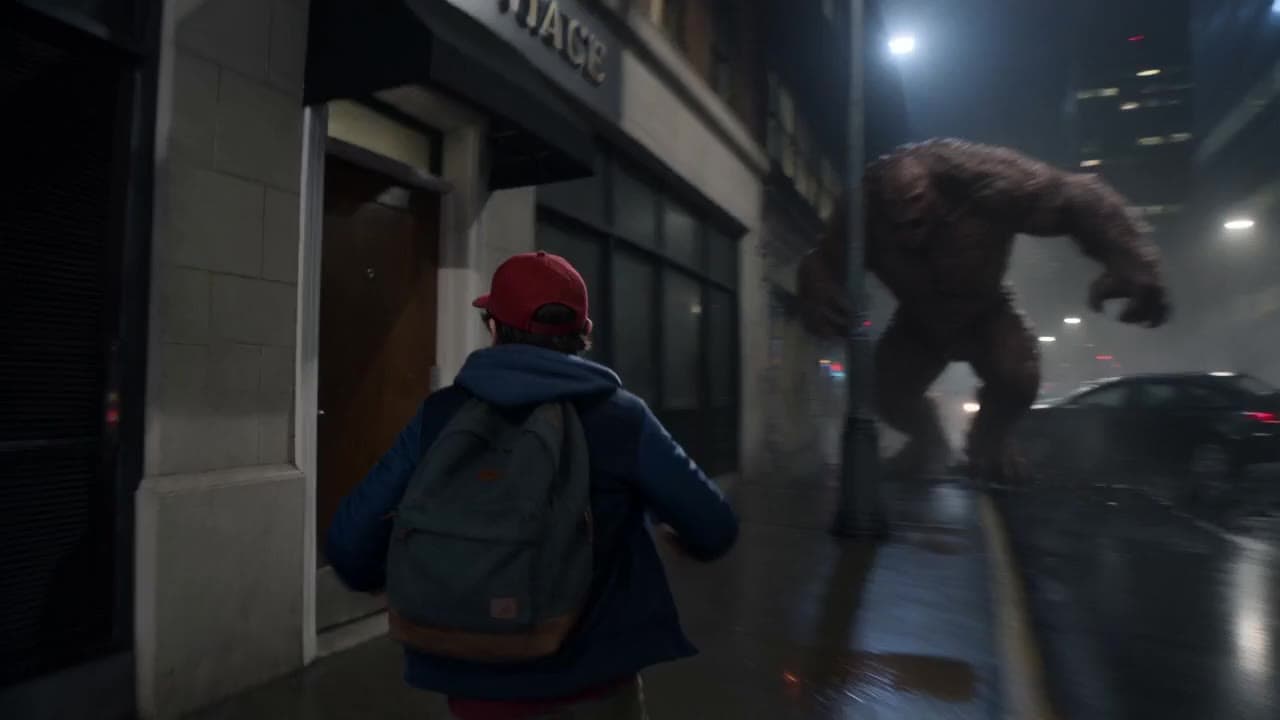
Image-to-video · 15s · 16:9
Cost to generate this video
$5.60
15s · image-to-video · 16:9
$0.37/sec
Explore a few high-impact creative decisions, or browse the full Best-For hub for every workflow.
Compare engines for lighting, camera motion and polished visual direction.
Top picks
Open cinematic guide
Turn a still image, style frame or product shot into controlled motion.
Top picks
Open image-to-video guide
Find cheaper, faster routes for prompt tests and concept exploration.
Top picks
Open fast drafts guide
Shortlist engines for product ads, paid social variants and campaign assets.
Top picks
Open ads guide
AI video examples
Compare real Seedance, Kling, LTX, Veo, Wan and Happy Horse outputs, then check full specs, limits, pricing and prompts before you generate.
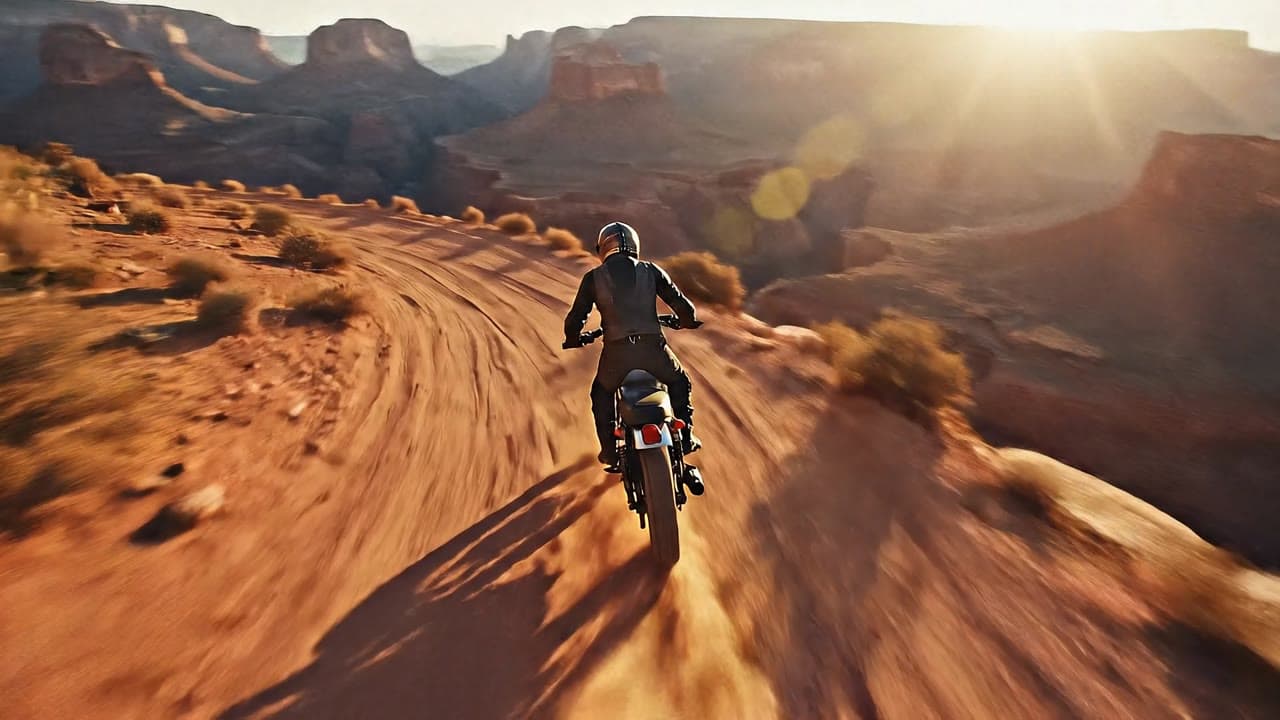
Cinematic realism

Camera motion
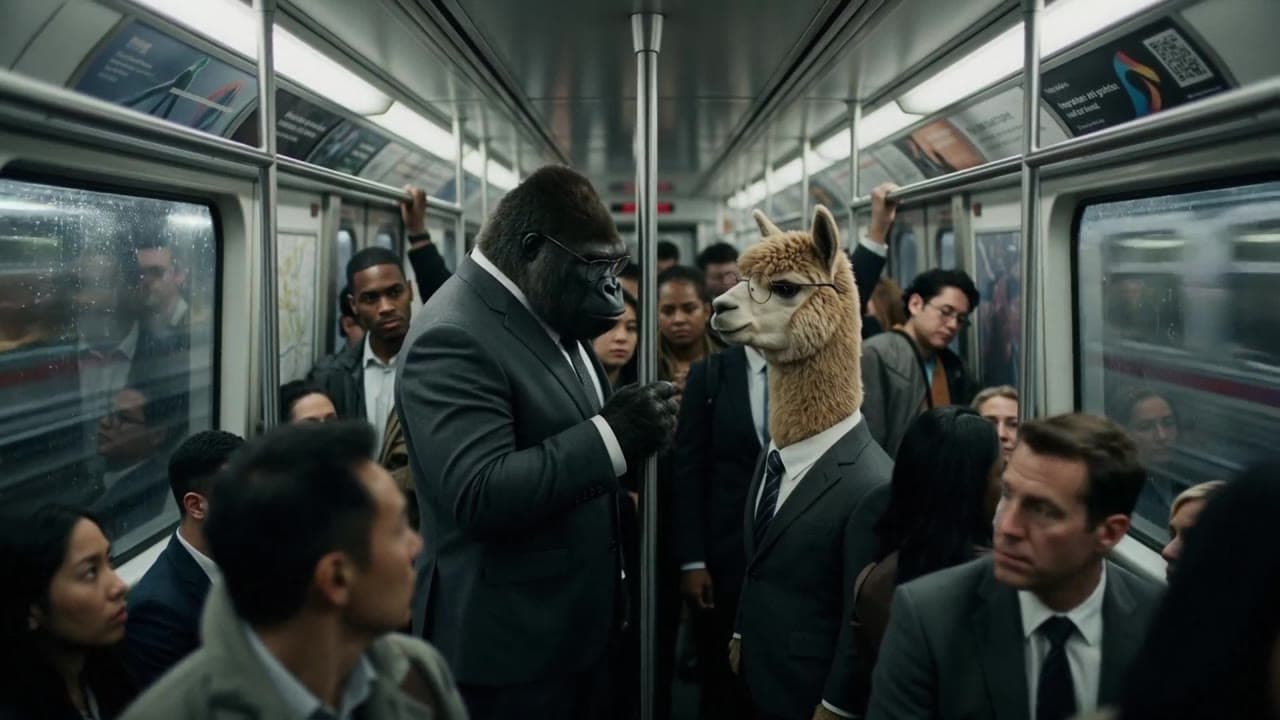
Premium realism

Audio-native workflows
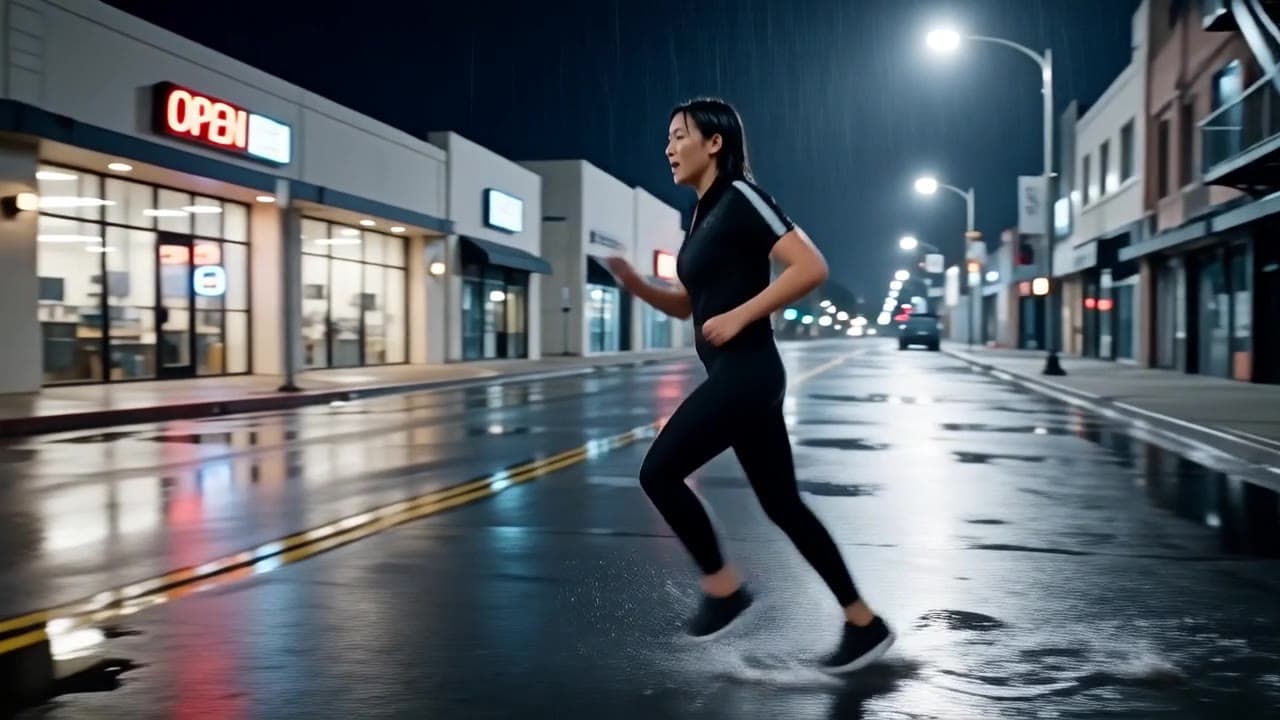
Fast drafts
Structured video workflows
Engines differ on motion, realism, prompt fidelity, audio, speed, resolution and cost. Compare them side by side before choosing where to spend your credits.

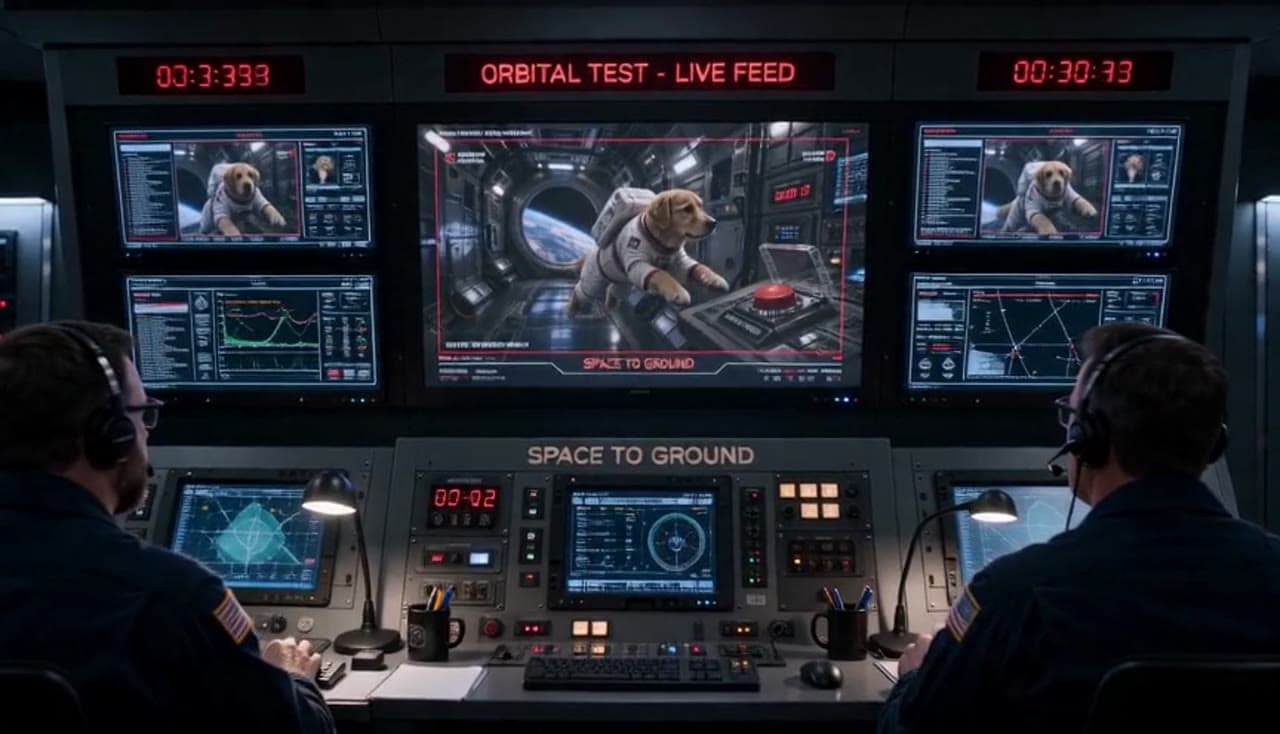
Understand when to use the newer Seedance workflow for audio, references and multi-shot output.
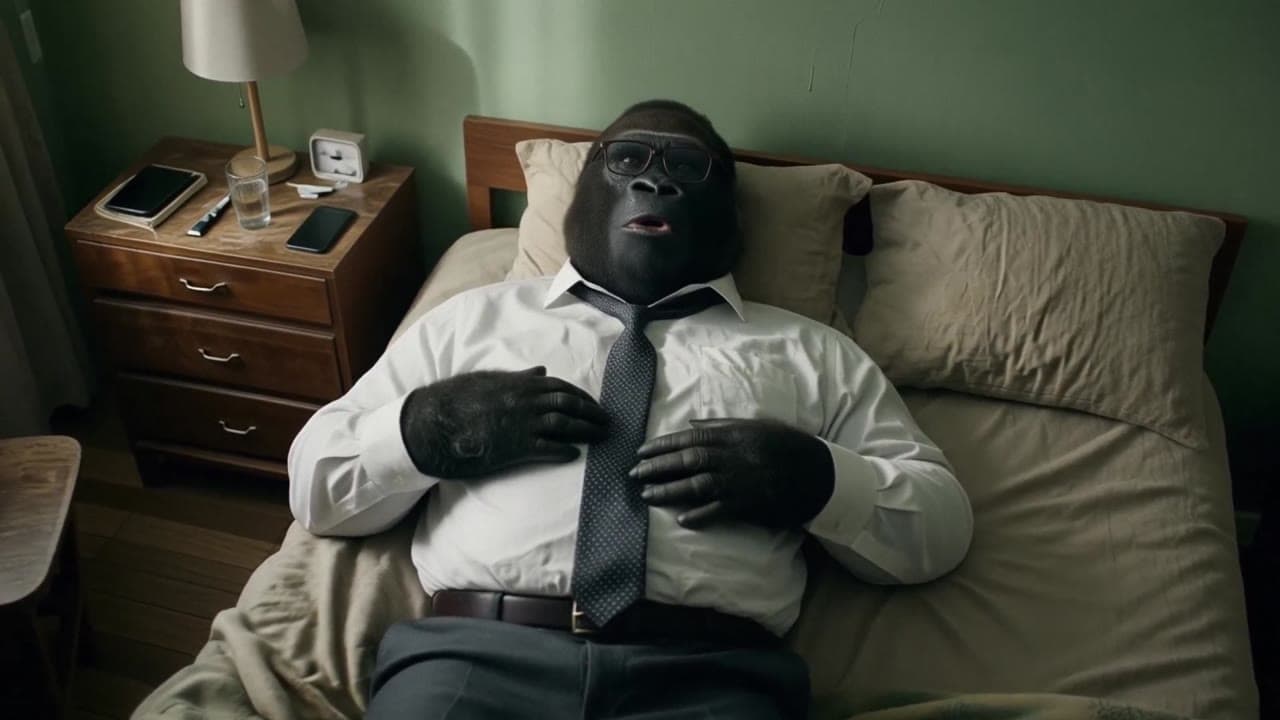
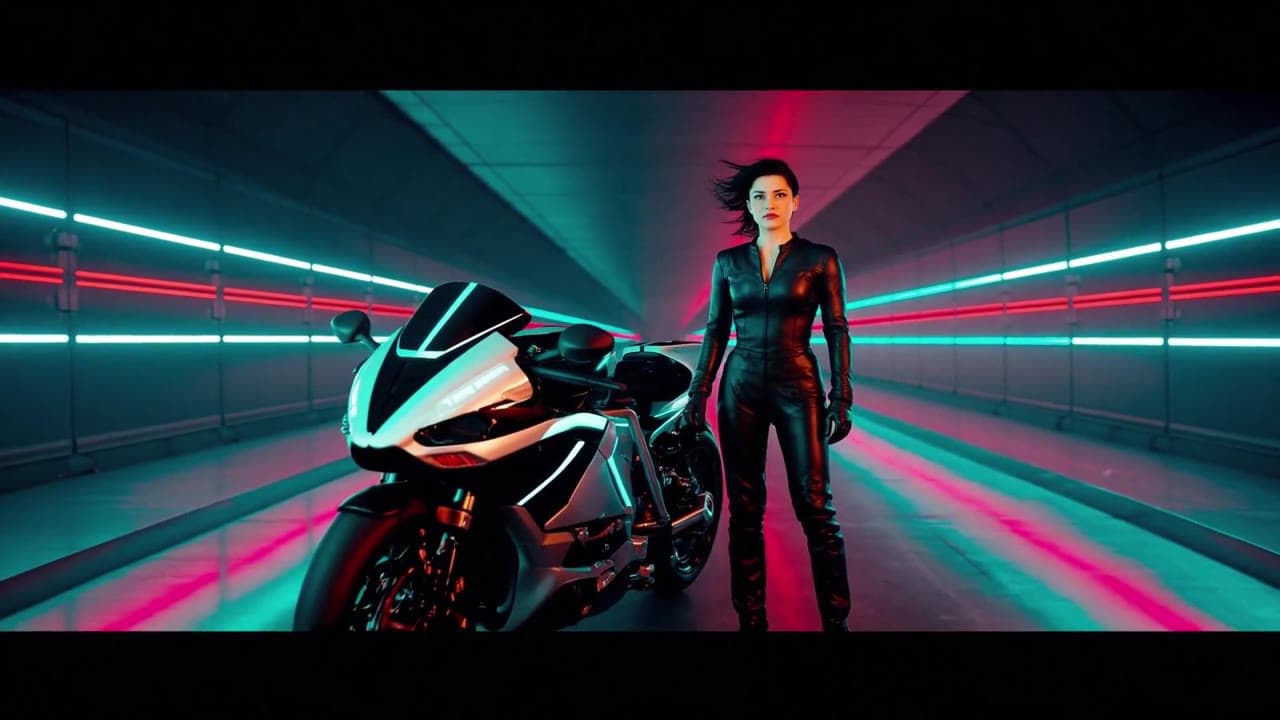
Compare older LTX behavior with the current fast draft route for low-cost iteration.


Choose between cheap draft passes and more polished Seedance output before spending credits.

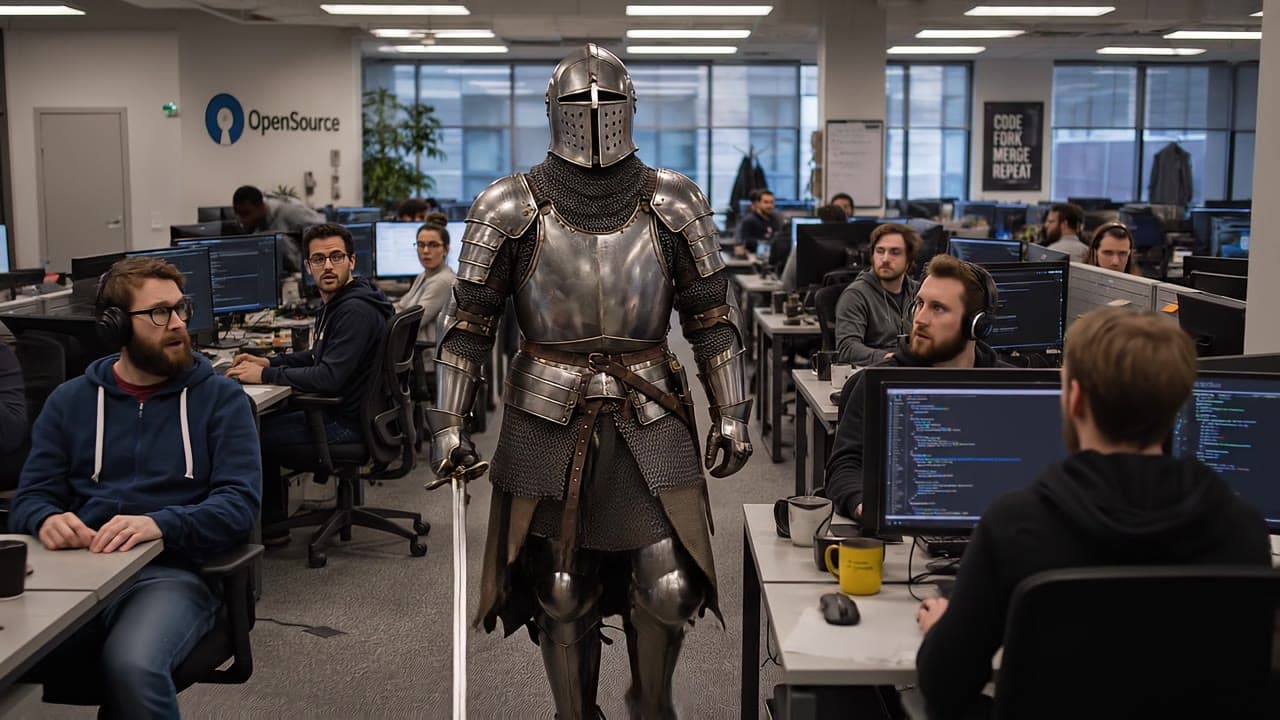
Compare fast prompt testing with premium Veo realism for the same production brief.
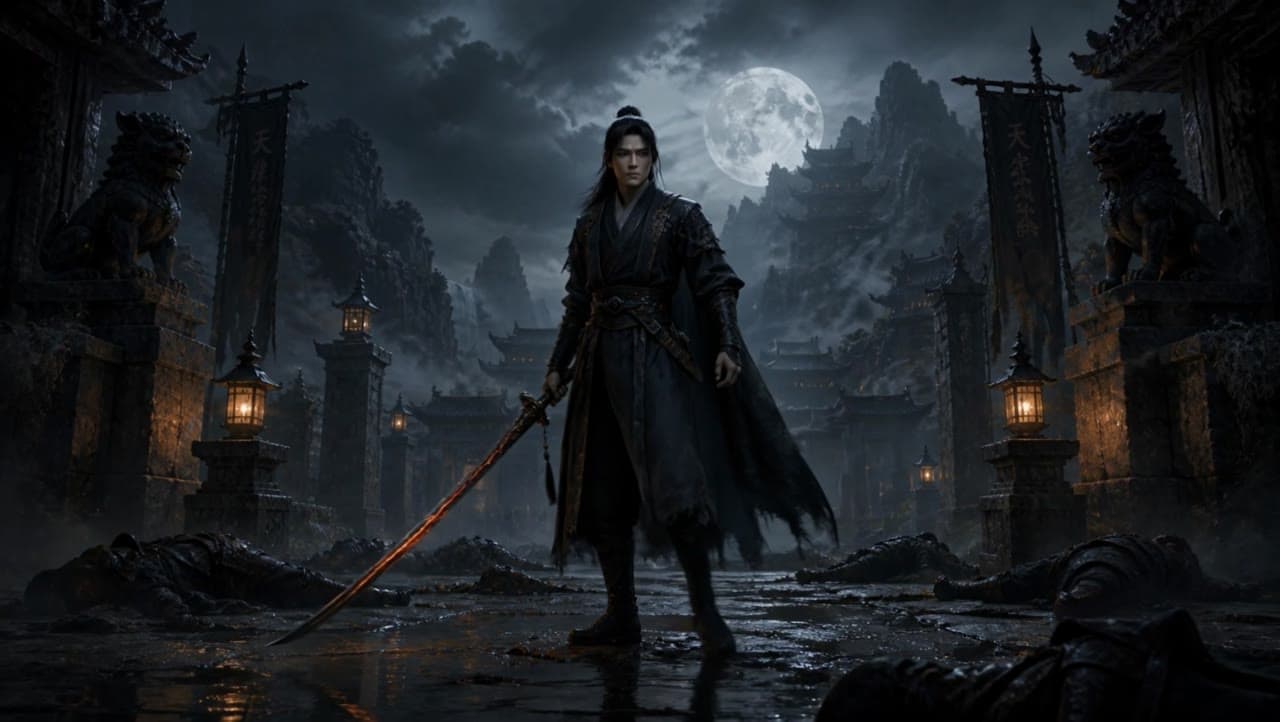

Pick the better route for camera motion, production quality and cost control.

Choose between Seedance control and premium Veo realism before spending credits.
Generate a source still, lock character continuity, adjust the angle, then move into video with the right engine.
Create a still frame or bring in a reference before the video stage.
Generate Image
Build a repeatable character reference for scenes, variants and storyboards.
Character Builder
Find the right viewpoint before committing credits to animation.
Angle tool
Move into text-to-video, image-to-video or video-to-video with the best engine.
Open workspace
Create source images, build consistent characters, adjust angles, compare engines, and generate videos without switching tools.
MaxVideoAI shows the price before every video generation, so you stay in control of your credits.
View pricingSee the price before each generation.
No subscription required. Add credits when needed.
Failed generations return credits automatically.
Track engine, settings, duration and cost for every generation.
MaxVideoAI is a pay-as-you-go multi-engine AI video generator for Seedance, Kling, Veo, LTX, Wan, Pika, Sora and more.
MaxVideoAI is a pay-as-you-go AI video generator for creating videos from text, images, or existing clips. Compare leading models, preview real examples, and see the cost before you generate.
Generate scenes from prompts.
Animate a still image.
Transform existing footage.
Short answers for choosing the right AI video model before you spend credits.
The best AI video generator depends on the shot. Seedance is strong for cinematic motion and reference-guided workflows, Kling is useful for camera movement, Veo is strong for polished realism, LTX is good for fast drafts, and Wan or Pika can fit specific styles or budget tests. MaxVideoAI helps you compare engines before you generate.
To make AI-generated videos, start with a text prompt, image, or existing clip. Then choose the engine that matches the shot, check the price, and generate a short test. On MaxVideoAI, you can preview real examples, compare AI video engines, and see the cost before spending credits.
Yes. Image-to-video AI turns a still image, product shot, character frame, or reference image into a moving clip. It is often the best option when you want to keep the composition, character, product, or visual style grounded.
A text-to-video AI workflow starts from a written prompt and creates a scene from scratch. An image-to-video AI workflow starts from a still image and adds motion to it. Text-to-video is better for ideation, while image-to-video is usually better for controlled visuals, products, characters, and branded shots.
For AI video prompt examples, use the examples hub to browse real AI video examples with prompts, engines, formats, duration, and pricing. You can compare Seedance, Kling, LTX, Veo, Wan, Happy Horse and more before building your own generation.
AI video generation cost depends on the engine, duration, resolution, mode, and audio support. MaxVideoAI shows the estimated price before each generation, so you can compare options before spending credits.
Yes. MaxVideoAI is a pay-as-you-go AI video generator instead of forcing a subscription. You add credits when needed, see the price before you generate, and failed generations are refunded automatically.
Before choosing an AI video model, check model limits such as duration, resolution, aspect ratio, audio support, text-to-video or image-to-video support, reference image support, and price. Some models are better for short fast drafts, while others are better for cinematic realism, camera motion, or polished commercial outputs.


